Photo to motion
Start from any JPG or PNG — pick one from your library or take a picture. Crop and rotate before you generate.
Upload a photo, describe the shot in your own words, and pick HD or Full HD from 5 to 15 seconds. Vidora directs the rest — no editing skills, no sign-up.
One still image and one sentence are all Vidora needs. You describe the motion, the camera and the mood — the AI renders the shot.
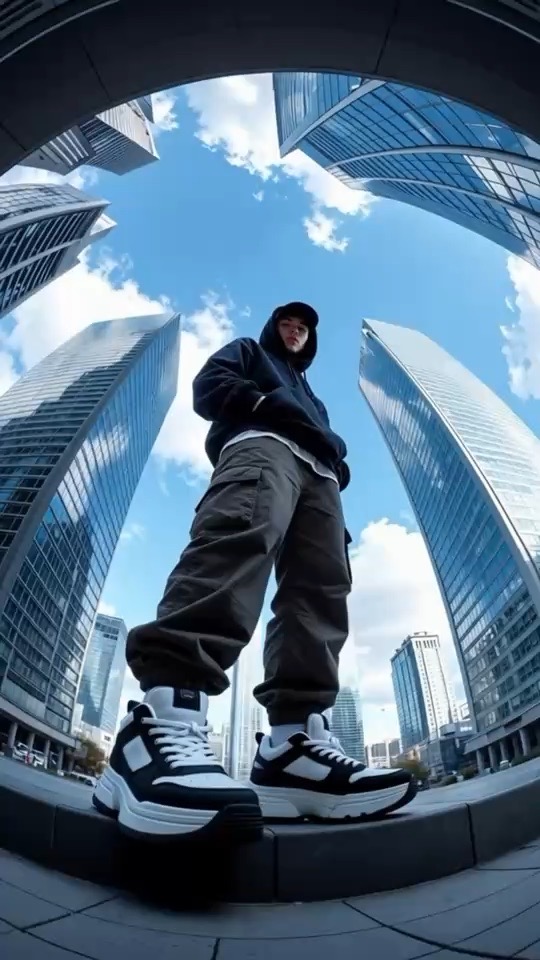
A focused studio built around a single idea: your photo, your words, your video.
Start from any JPG or PNG — pick one from your library or take a picture. Crop and rotate before you generate.
Describe camera moves, lighting, mood and action in plain language. Prompts can run up to 2,048 characters.
Choose quality and length for every video — 5, 10 or 15 seconds. The gem cost scales with what you pick.
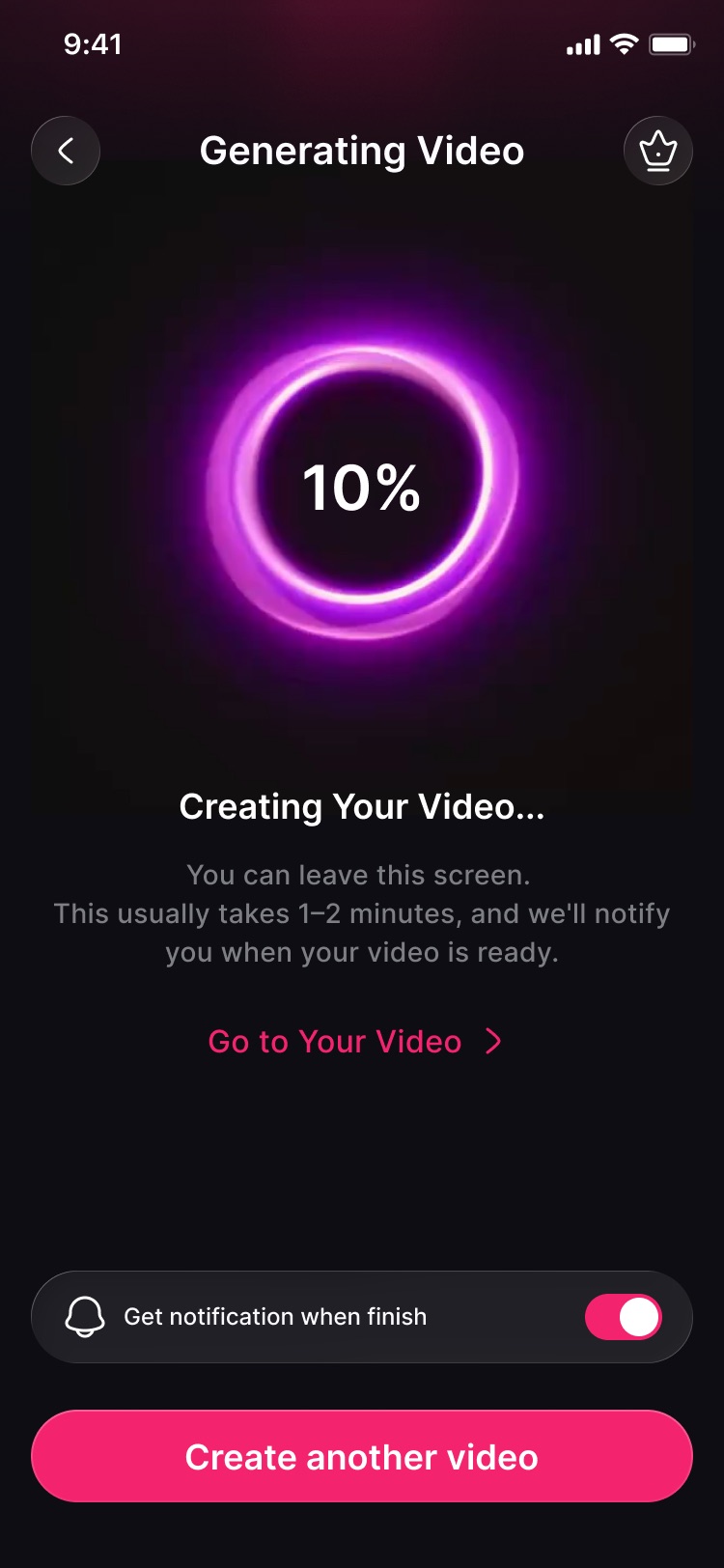
Most videos are ready in 1–2 minutes. Close the screen or start another one — we'll notify you when yours is done.
Every render lands in My Videos. Save it to your gallery, copy a share link, or retry a failed job in one tap.
Check in every day with the Daily Reward to collect bonus gems and keep your streak going.
No timeline, no keyframes, no export settings.
Upload from your library or take a picture. JPG or PNG, under 10 MB and at least 300 px.
Write what should happen — the motion, the camera, the vibe. Then pick quality and length.
Tap Generate. Your video is usually ready in 1–2 minutes — save it or share it straight away.
Each generation costs gems — how many depends on the quality and length you choose. Top up when you need to, or subscribe for more.
Pay as you go. No subscription required.
Gem packs are one-time purchases through the App Store or Google Play. Nothing renews.
For creators who generate every day.
Weekly (with a free trial) or annual plans. Subscriptions renew automatically — cancel anytime in your App Store or Google Play settings. Prices are shown in the app for your region.
Vidora turns a single photo and a short text prompt into an AI-generated video. You choose HD or Full HD and a length of 5, 10 or 15 seconds, and the finished clip is saved to My Videos.
JPG or PNG images under 10 MB and at least 300 px on each side. A clear subject, good lighting and an uncluttered background give the AI the most to work with. You can crop and rotate in the app before generating.
Usually 1–2 minutes. You don't need to wait on the screen — turn on notifications and Vidora will let you know as soon as your video is ready. Pro members get faster processing.
No. Vidora works on an anonymous session tied to your device — no email or social login. Subscriptions are linked to your App Store or Google Play account, so you can use Restore Purchases in Settings after reinstalling.
Every generation costs gems, and the cost depends on the quality and length you pick. You can collect free gems with the Daily Reward, buy gem packs, or subscribe to Pro for a monthly gem bonus and discounted packs.
Subscriptions are managed by Apple or Google. Cancel from Settings → Apple ID → Subscriptions on iOS, or Play Store → Payments & subscriptions on Android, at least 24 hours before the renewal date. Uninstalling the app does not cancel a subscription.
Your photo is used only to generate the video you asked for. Generated videos show an auto-delete countdown in My Videos — save the ones you want to keep to your gallery. Read the Privacy Policy for details.
English, German, French, Spanish, Portuguese, Japanese, Korean and Chinese. The app follows your device language and you can switch it any time in Settings.

Free to download. One photo and one sentence is all it takes.